
Lost your box? This is the complete operation guide for every RAZ device — from the VUE 50K to the classic TN9000. Screen icons, mode switching, airflow, charging — everything in one page.
| Model | Puffs | Modes | Airflow | Screen |
|---|---|---|---|---|
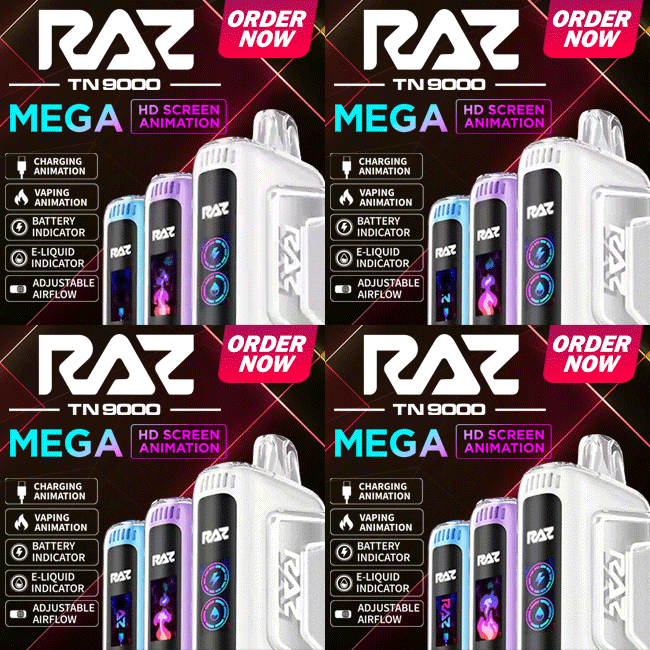
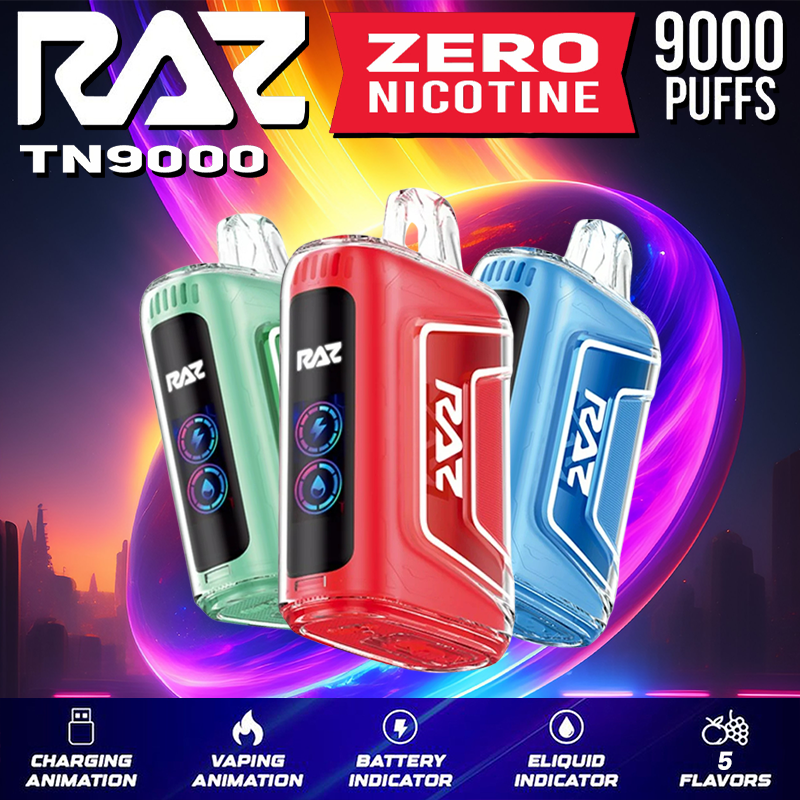
| TN9000 | 9,000 | Single | Bottom slider | HD ring display |
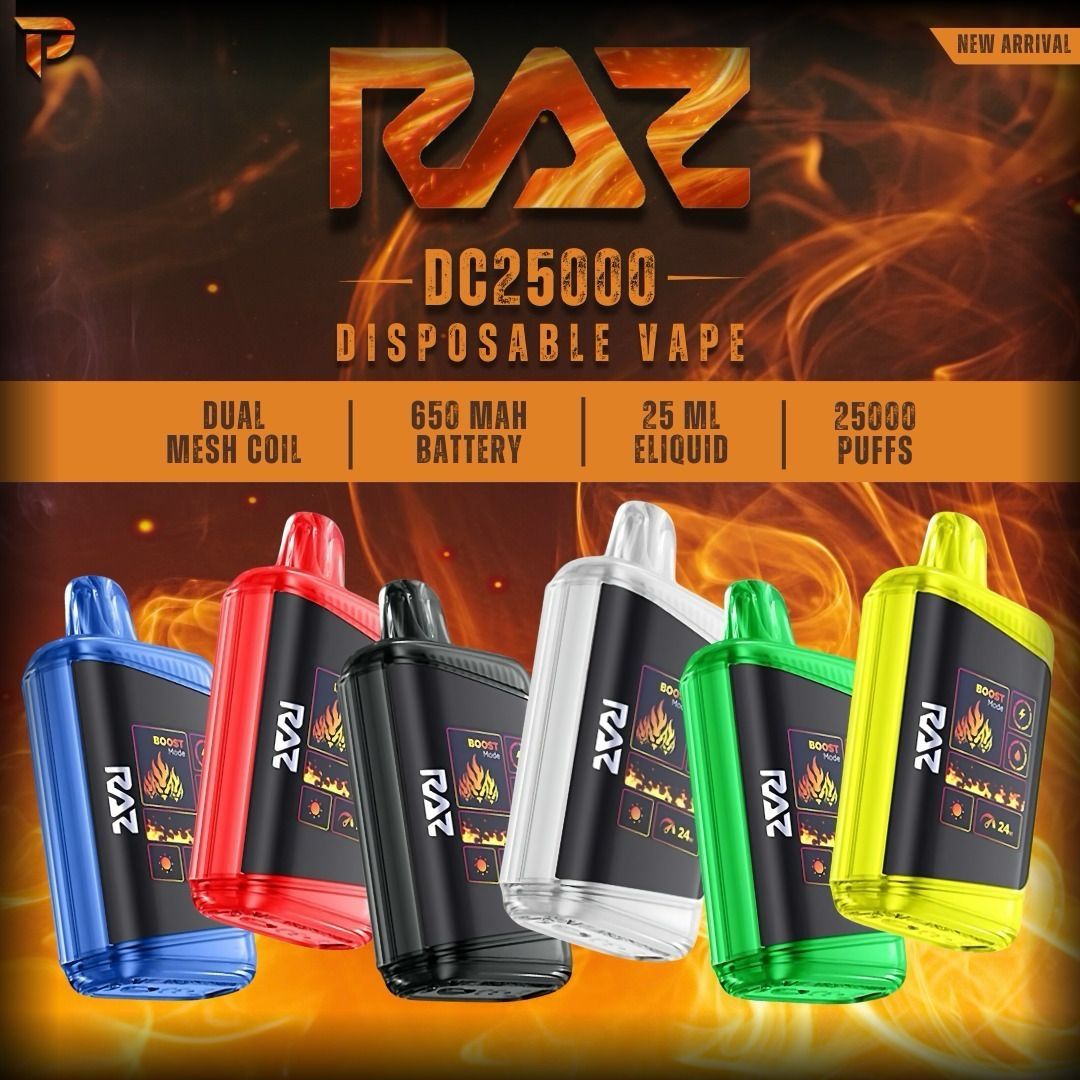
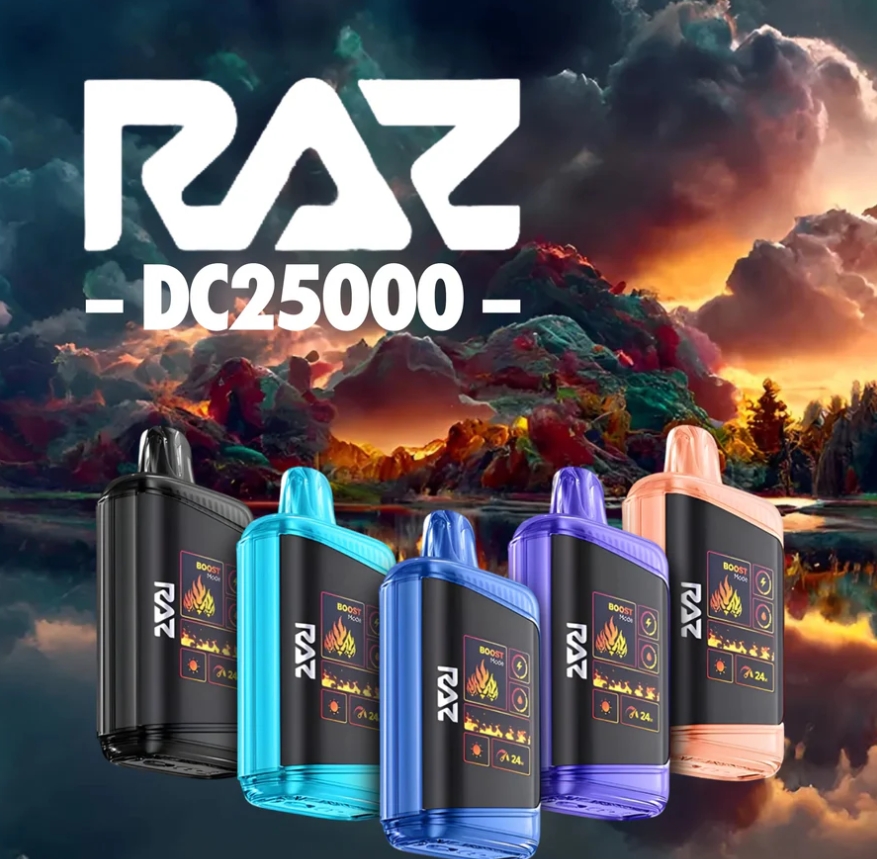
| LTX 25K (DC25000) | 25K / 15K | Normal + Boost | Bottom slider | Mega HD + wattage meter |
| RYL Classic 35K | 35,000 | Soft + Boost | Bottom switch | Side arch display |
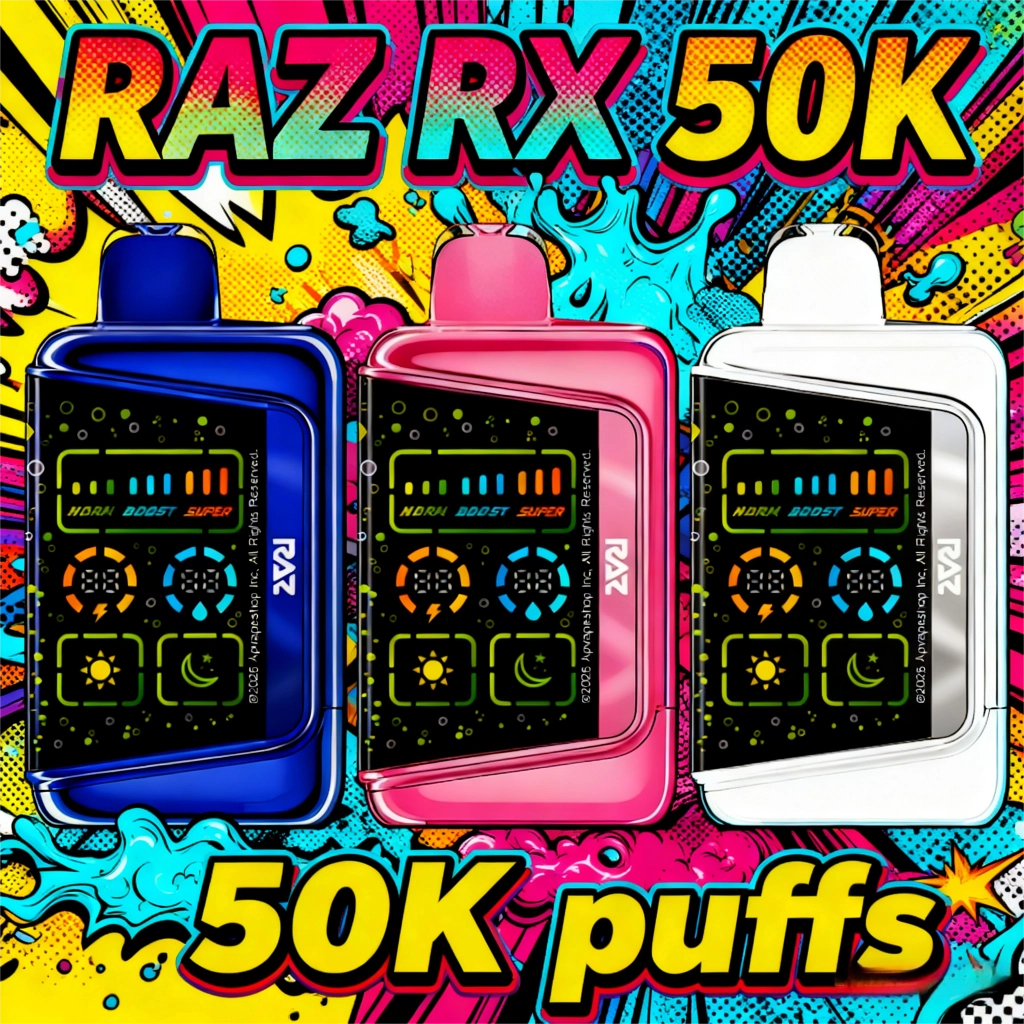
| RX 50K | 50K / 25K / 20K | Normal + Boost + Super | Bottom slider (3 levels) | 3D HD + 9-bar meter |
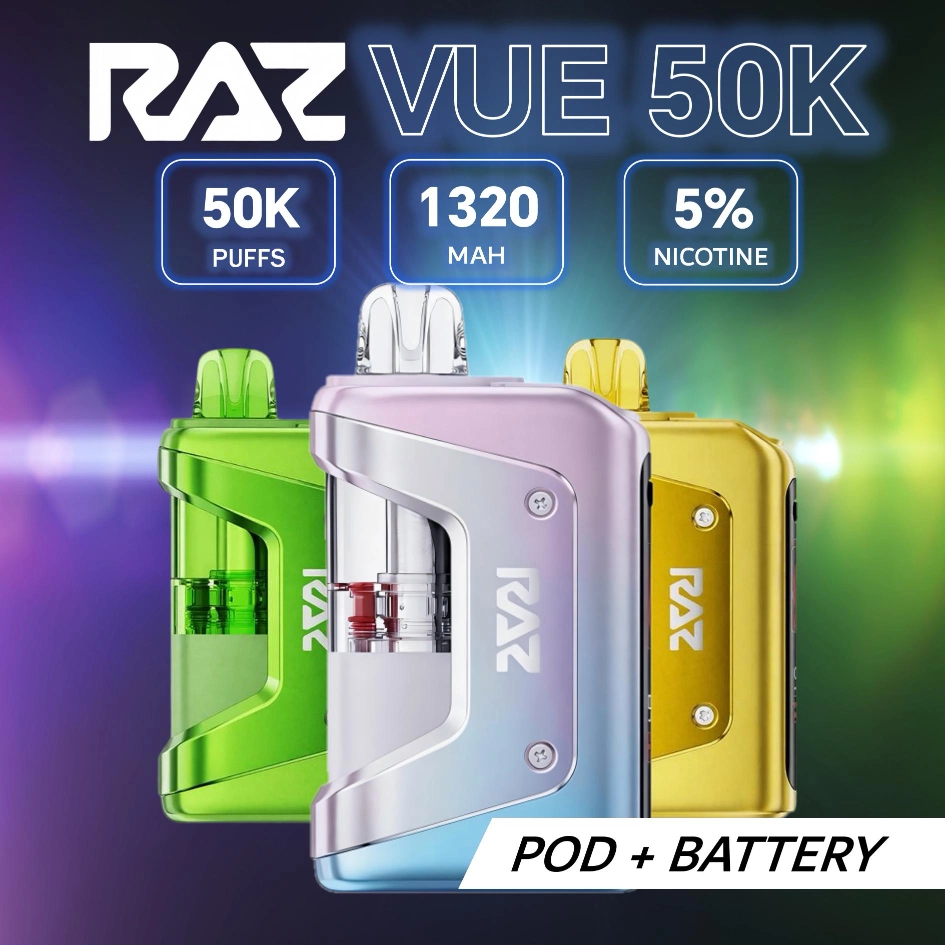
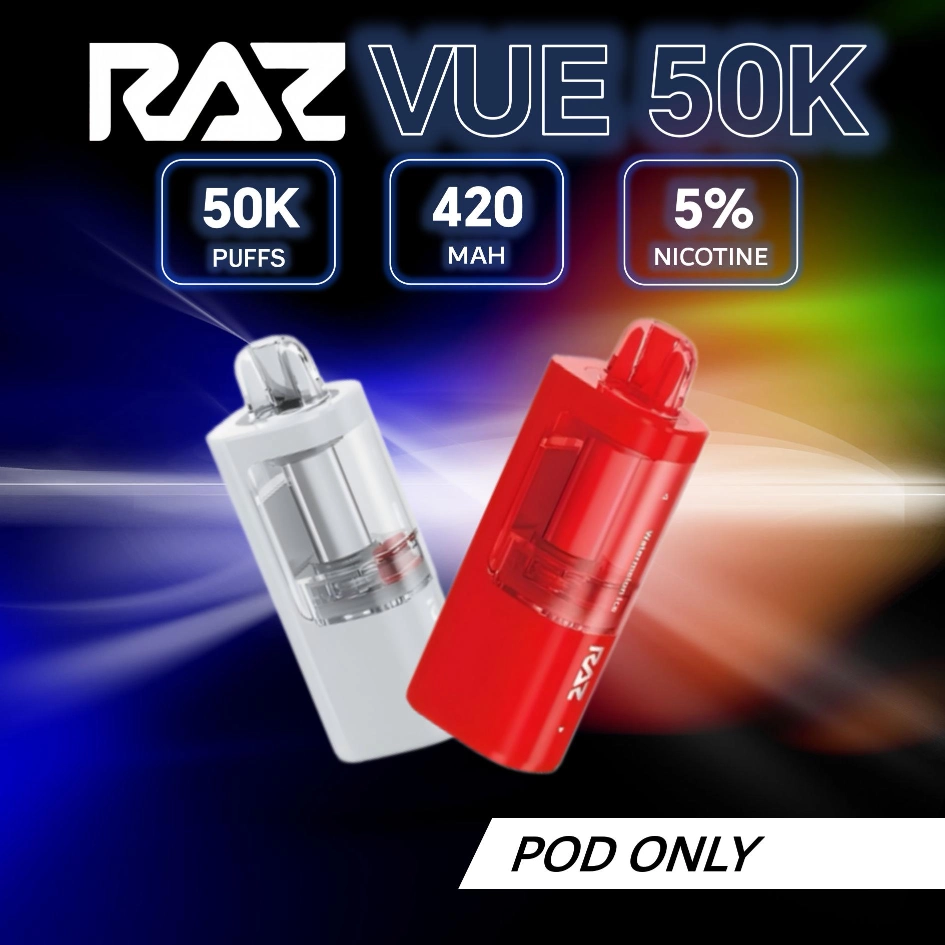
| VUE 50K | 50K / 25K | Endurance + Flavor Burst | — | Side HD + transparent tank |
Quick Start Guide — How to Turn on RAZ Vapes
Before the first puff, unbox your device properly and thoroughly. These 4 steps prevent most “device not hitting” issues. If your device still won’t produce vapor after setup, see our full RAZ vape not hitting troubleshooting guide.
For VUE 50K only: snap the pod onto the power bank first, then follow the same 4 steps.
RAZ Vape Screen Meaning
The HD screen shows real-time device status. Two main indicators appear on every model — DC25000, RX 50K, and TN9000 display them as percentage rings; RYL Classic 35K displays percentage arches.
Beyond these two indicators, some models show additional screen info:
| Feature | Available On | How to Toggle |
|---|---|---|
| Dark / Light Mode | LTX 25K, RX 50K | Long press side button (5 sec) |
| Wattage Meter | LTX 25K | Auto — bottom-right of screen shows current W |
| 9-Bar Power Meter | RX 50K | Auto — top of screen reflects mode + airflow level |
| Mode Text | RYL 35K | Auto — center of side screen between arches |
| Transparent Tank | VUE 50K | Always visible — visual e-liquid check without screen |
Vaping Modes by Model
| Model | Mode | Puffs | Wattage | How to Switch |
|---|---|---|---|---|
| TN9000 | Single mode | 9,000 | Fixed | Draw-activated only |
| LTX 25K | Normal | 25,000 | 12W | Press side button |
| Boost | 15,000 | 24W | ||
| RYL 35K | Soft | 35,000 | Low | Slide bottom switch |
| Boost | Fewer | High | ||
| RX 50K | Normal (Bar 1-3) | 50,000 | Low | Press side button |
| Boost (Bar 4-6) | 25,000 | Medium | ||
| Super (Bar 7-9) | 20,000 | High | ||
| VUE 50K | Endurance | 50,000 | 12W | Press side button |
| Flavor Burst | 25,000 | 24W |
Model-Specific Controls
Bottom Slider Only
- Slide Open — more air, bigger clouds (DTL / Boost)
- Slide Closed — tighter draw, stronger flavor (MTL / Soft)
RYL 35K also uses bottom switch to toggle Soft / Boost mode.
Side Button
- 1st click — wake screen, Normal Mode (25K puffs) + Light
- 2nd click — Boost Mode (15K puffs)
- Long press — toggle Dark Mode
Bottom Slider
- Open = more air | Closed = tighter draw
Side Button
- 1st click — wake screen, Normal (50K puffs) + Light
- 2nd click — Boost Mode (25K puffs)
- 3rd click — Super Mode (20K puffs)
- Long press — toggle Dark Mode
Bottom Slider (3 Positions)
- Open = big clouds | Half = moderate | Closed = tight draw
Assembly (Two-Piece Design)
- Align pod with power bank connector, press until click
- Remove silicone mouthpiece plug
- Wait 2 minutes for coil saturation, then inhale
Side Button
- Press to switch: Endurance 12W (50K) / Flavor Burst 24W (25K)
Pod Replacement
- Detach empty pod, snap on new replacement pod ($20.99, 13mL), wait 2 min
How to Charge RAZ Vapes
Every RAZ device uses a USB Type-C port at the bottom. Plug in any Type-C cable (not included). Charge for 30-50 minutes depending on model. Unplug when screen shows full.
| Model | Battery | Est. Charge Time | Port |
|---|---|---|---|
| TN9000 | 650mAh | ~30 min | USB-C |
| LTX 25K | 800mAh | ~40 min | USB-C |
| RYL 35K | 820mAh | ~40 min | USB-C |
| RX 50K | 850mAh | ~45 min | USB-C |
| VUE 50K | 900mAh (bank) + 420mAh (pod) = 1,320mAh | ~50 min | USB-C (on power bank) |
Not charging? Try a different cable or power source first. If the device still won’t respond, check our reset guide below.
Device Not Working?
Light blinking abnormally or device won’t fire — it may need a reset. Full troubleshooting: How to Reset RAZ Vape
Shop RAZ Devices

Frequently Asked Questions
How long should I charge my RAZ Vape?
Why is the drop icon flashing red?
How do I turn it off?
How do I know when my RAZ vape needs to be replaced?
Can I refill my RAZ vape?
How do I switch between Normal and Boost mode?
What does the VUE 50K detachable power bank do?
Why does my new RAZ vape taste burnt on the first puff?
For consumer product safety information, visit CPSC Safety Guides.